GNOME Extension
The keylightd GNOME Extension provides a convenient way to control your Key Lights directly from your desktop environment.
Screenshots
Lights On
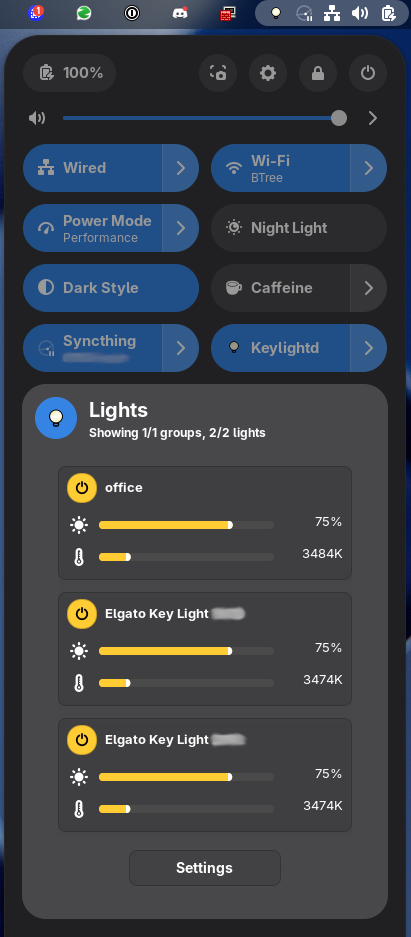
The extension panel showing lights in the "on" state with brightness and color temperature controls visible.
Lights Off
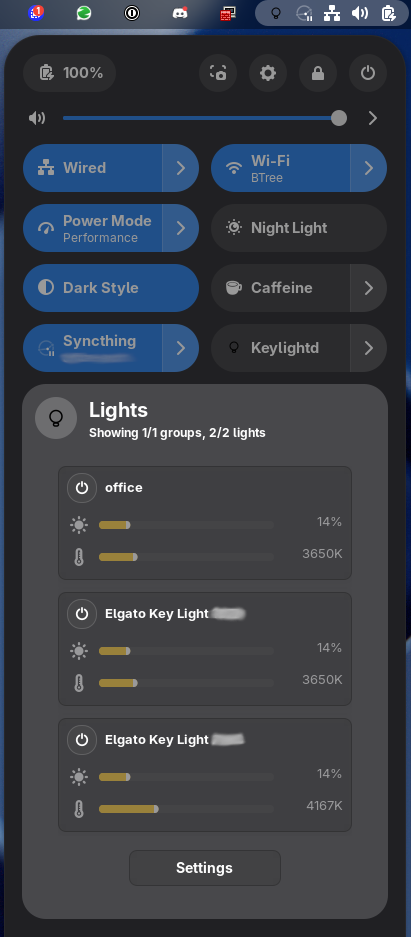
The extension panel showing lights in the "off" state with simplified controls.
UI Overview
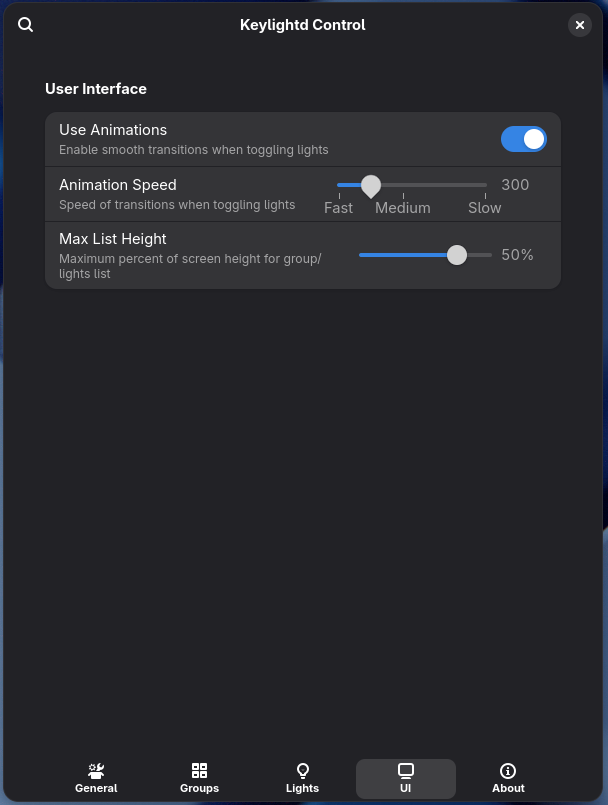
Complete view of the extension's user interface showing all available controls and options.
Individual Lights
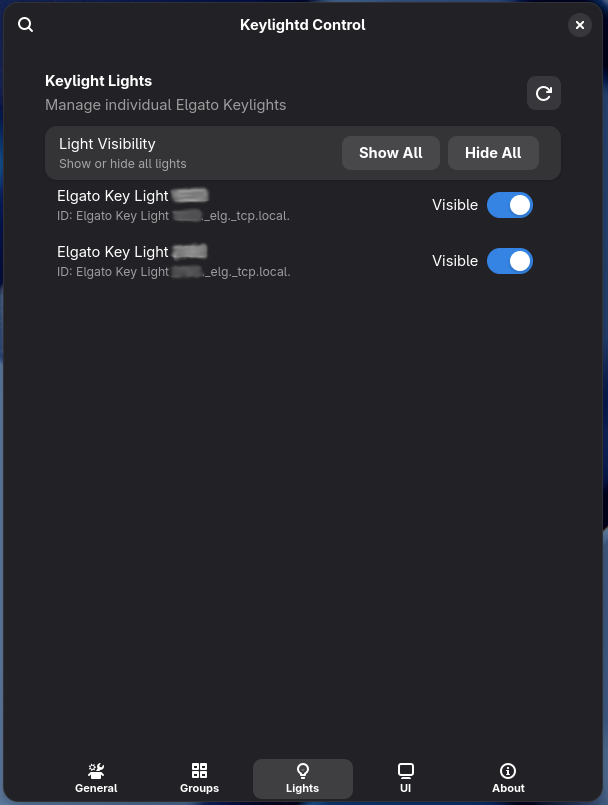
Detailed view of individual light controls for fine-tuning brightness and color temperature.
Light Groups

Group management interface for controlling multiple lights together as a single unit.
Settings
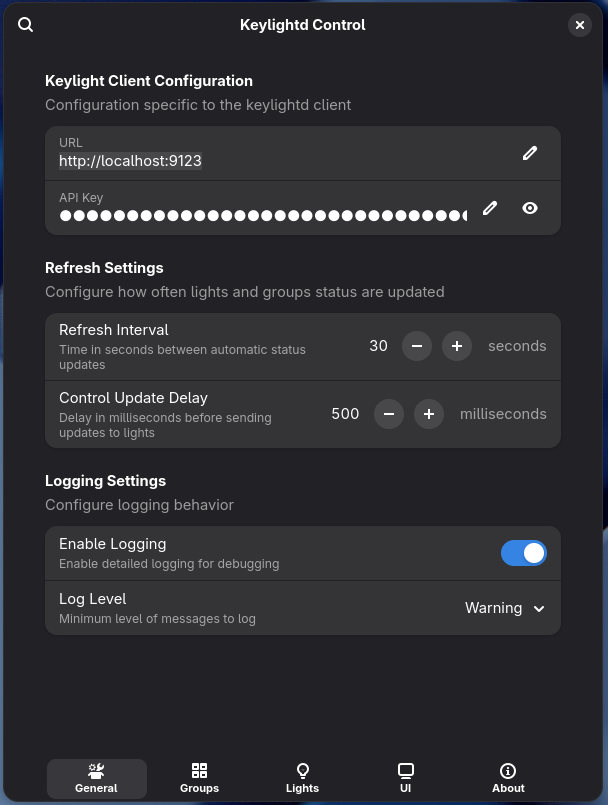
Configuration options and general settings for the extension.
About
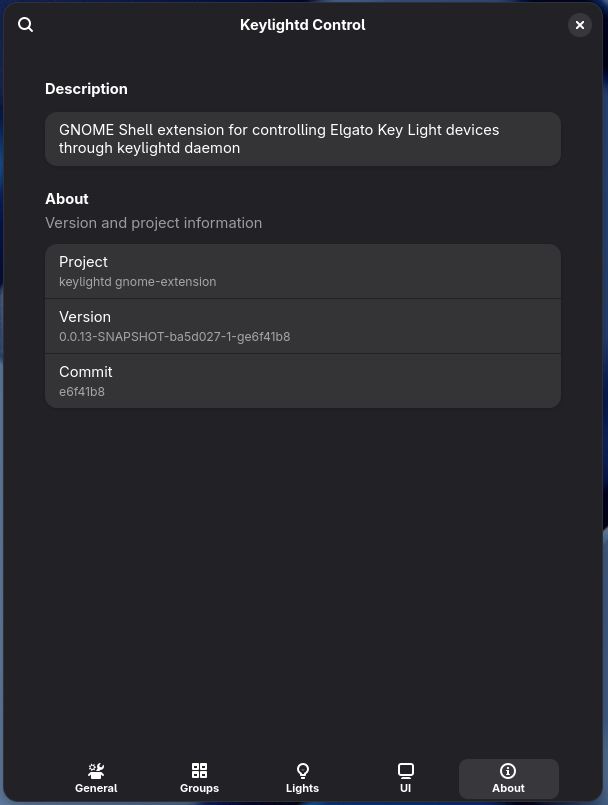
Information about the extension including version details and links.
Key Features
- Quick Toggle: Easily turn all lights on/off from the top panel
- Individual Control: Adjust brightness and color temperature for each light
- Group Management: Control multiple lights as a group
- Settings: Configure extension behavior and connection settings
- Status Indicators: Visual feedback on light states and connectivity
Installation
The GNOME Extension can be installed:
- From the GNOME Extensions website
- From the GitHub releases page
- By building from source in the
contrib/gnome-extensiondirectory
Make sure you have keylightd running before using the extension.